01LLoads and SSchedule, two agents
They are named for their work. LLoads owns what goes on which van, packing, capacity, what stays unplaced. SSchedule owns when and in what order, leave times, windows, shifts, and watching the trips once they are live.
Those are the two main flows of a TMS, making trips and timing them.
The design decisions for how they appear and behave came from the reading below. The principles used are marked on each case.
Humorphism, Hector Ouilhet · Shape of AI, Emily Campbell · Linear, Design for the AI age · Google PAIR Guidebook · NN/g, Explainable AI · Shopify, Sidekick
LLoads
- Owns
What is on which van. Packing, capacity, load optimisation
- Without asking
Anything on proposed trips
- Must ask you
Touching a published trip
SSchedule
- Owns
Trip timings, Sequence, managing the schedule windows, shifts, live tracking
- Without asking
Proposed trips. Updating ETAs, raising concerns regarding diversions and delays
- Must ask you
Changing a route or time
The operator has complete control of the plan. The agents are delegates under them, and only they publish.
02Where and how they show up
The following scenarios try to illustrate some behaviours of contextual suggestions, delegation and disclosure on the screens that operators look at on a daily basis.
LLoads finds room on a trip before it leaves.
Adding shipments before trip starts increases vehicle load optimisation.
SSchedule tells customers when a delivery runs late.
Suggested updates to customers and increase in transparency
SSchedule raises a slot’s limit before it fills up.
Once a slot is full, customers can’t book it and the order goes elsewhere.
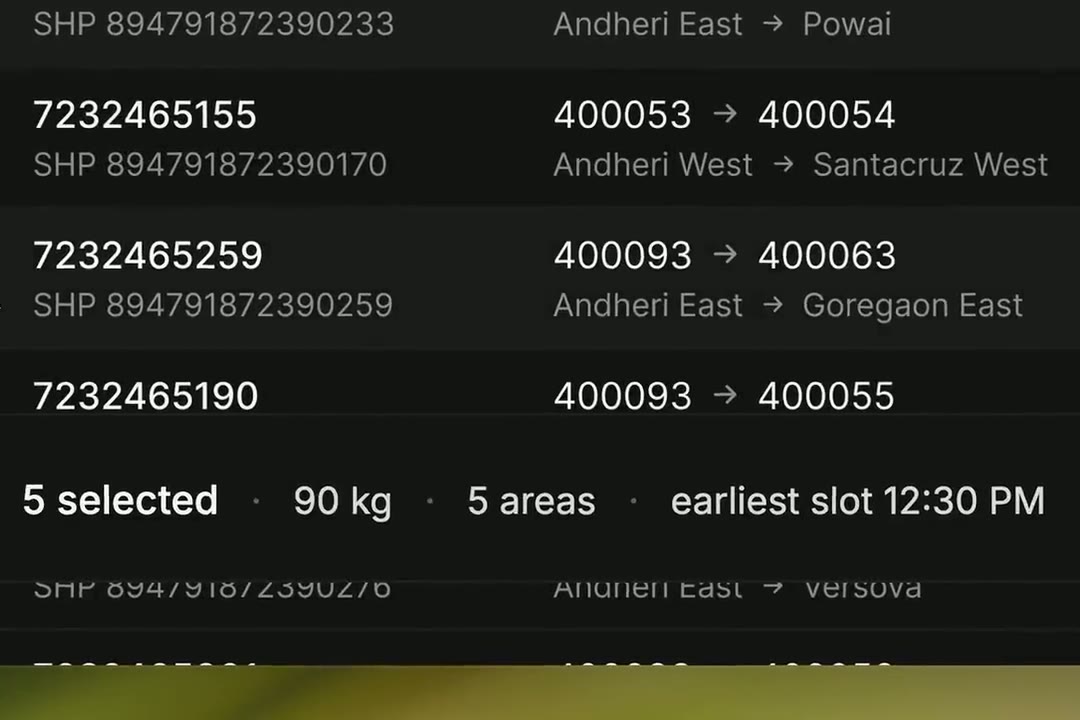
LLoads adds waiting shipments to a trip already going.
Smartly suggests shipments that can be added to outbound trips.
03Ask, plan, publish. A whole flow
This flow shows an operator working with LLoads and SSchedule to plan the trips for the evening slot with specific drivers. They start in the universal header, continue in the panel, review the proposal, and then publish the trips.
Step 1 · Raising a plan request
You ask for the trips. The agents plan in your list and ask for permission if the plan would affect anything.
Step 2 · Previewing the plan
The planned trips appear as drafts in the trip list, showing what is inside each one.
Step 3 · Confirming, and seeing the result
Nothing is created until you publish.
04Future guidelines
Working on this concept made me realise that some things will have to go hand in hand with agentic flows. Some old principles, some new.
Generative interfaces
Agents communicate best in text. Converting text based interfaces into generative GUI turns text heavy responses into scannable data.
Progressive disclosure
Some actions are no brainers, but hidden beneath are layers of data. Learning from how they are used in context, agents can decide how much information to show and what to keep on demand.
Mark the agents’ work
Things created by agents are clearly marked as such, so transparency lasts beyond just moment of creation and the operator always knows what happened.
01 / 03
Generative interfaces
Agents communicate best in text. Converting text based interfaces into generative GUI turns text heavy responses into scannable data.
02 / 03
Progressive disclosure
Some actions are no brainers, but hidden beneath are layers of data. Learning from how they are used in context, agents can decide how much information to show and what to keep on demand.
03 / 03
Mark the agents’ work
Things created by agents are clearly marked as such, so transparency lasts beyond just moment of creation and the operator always knows what happened.